

How It Works
From setup to wedding day.
A simple flow for couples and guests. The couple sets it up once, shares the access codes, and guests join the moment they are ready.
For the Couple
Set it up, share the access, and relax.
Set up the wedding
The couple signs up, customizes the event, and chooses how guests can join — open signup or guest-list restricted.
Host dashboard
Event name
Ava & Noah Wedding
Date
Saturday, June 14, 2025
Guest access
Open signup via QR or link
Share QR cards and links
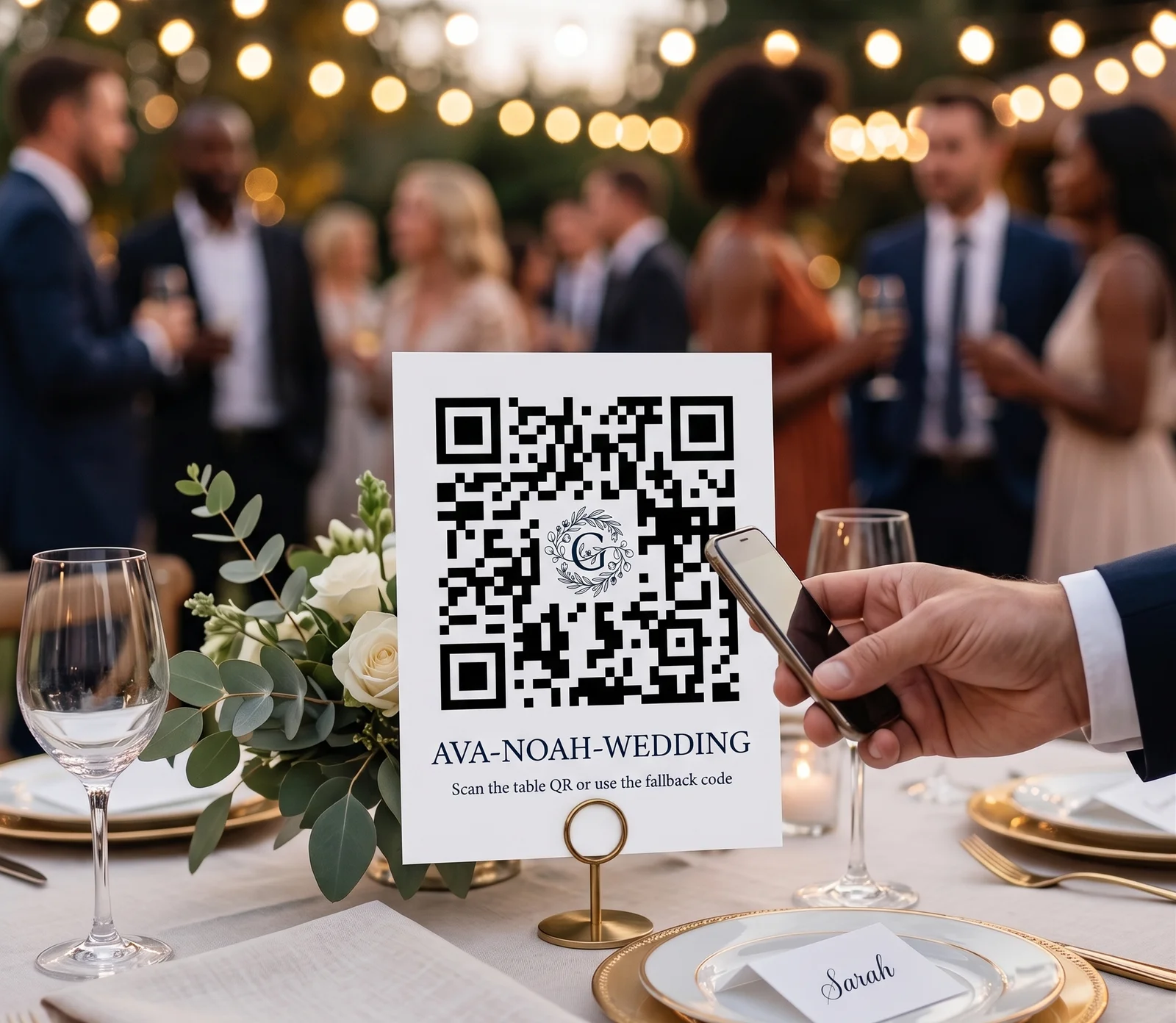
Guests scan a QR at the table, use a shared link, or type the fallback code if scanning fails. Print table cards, poster signage, or just text the link.
Let the event do its thing
Guests opt in, connect naturally during the wedding, and the couple can monitor usage, moderate the event, and see real-time analytics from the host side.
Live analytics
47
Guests joined
12
Matches
18
Conversations
Moderation
0 flags — all clear
For the Guest
Join in seconds, connect naturally.
Scan QR or enter code
Join the exact wedding by QR code, shareable link, or a human-friendly fallback code like MAYA-JORDAN-QU7F51.
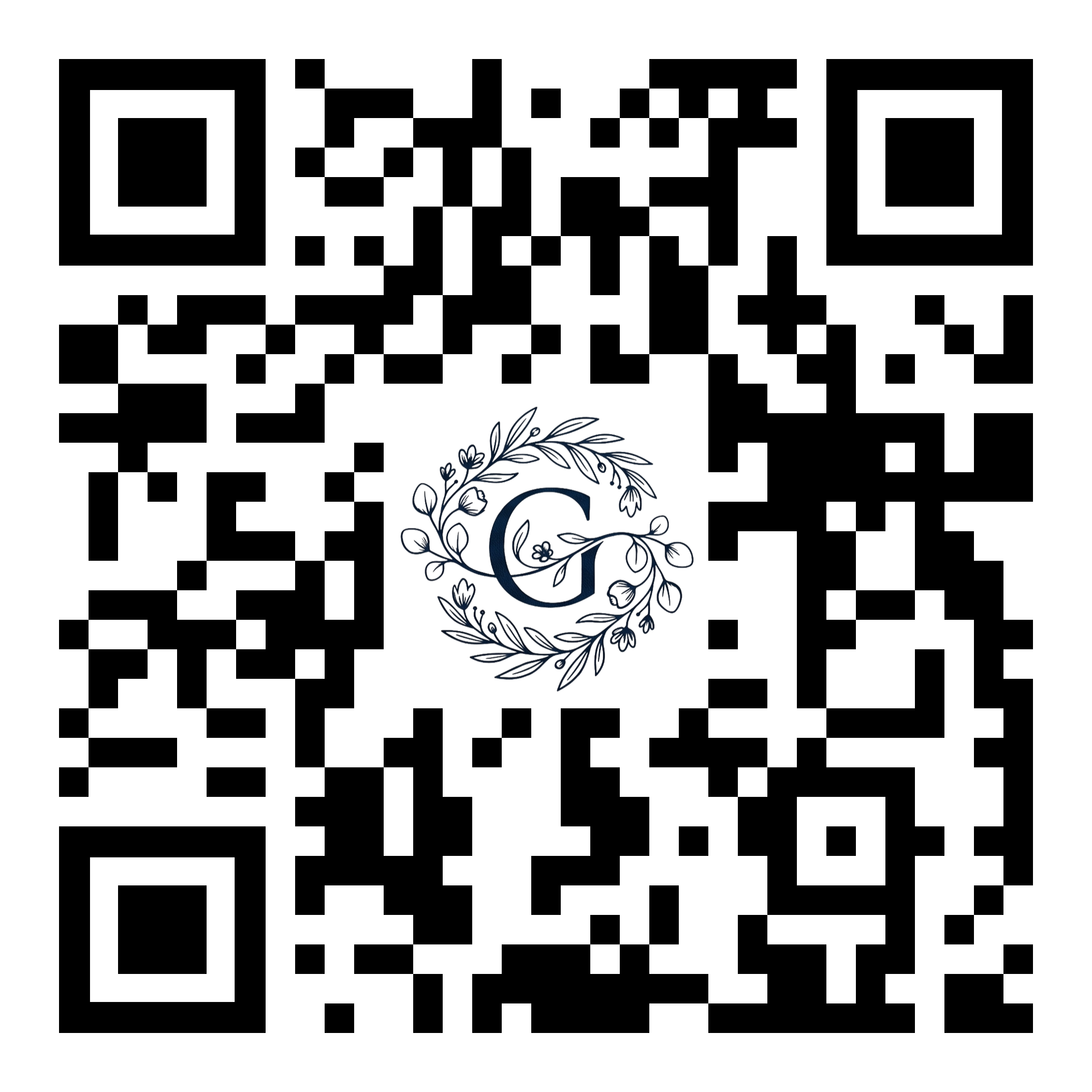
Fallback code
AVA-NOAH-WEDDING
Create your profile
Build a lightweight profile with intent tags, bride or groom side, and how you know the couple. No app download needed.

Alexandra, 27
Bride's friend
Best dance move?
The one where I pretend I know what I'm doing
Wave, match, and chat
Discover other guests, wave to show interest, and chat only when it is mutual. Everyone can hide, block, or report to keep the wedding space comfortable.
It's a match
 ♥
♥Chat started
Hey! Loved your answer about the dance moves 😄
Ha thanks! Want to test them out later? 💃

Ready to make your wedding more social?
Set up takes minutes. Your guests will thank you.